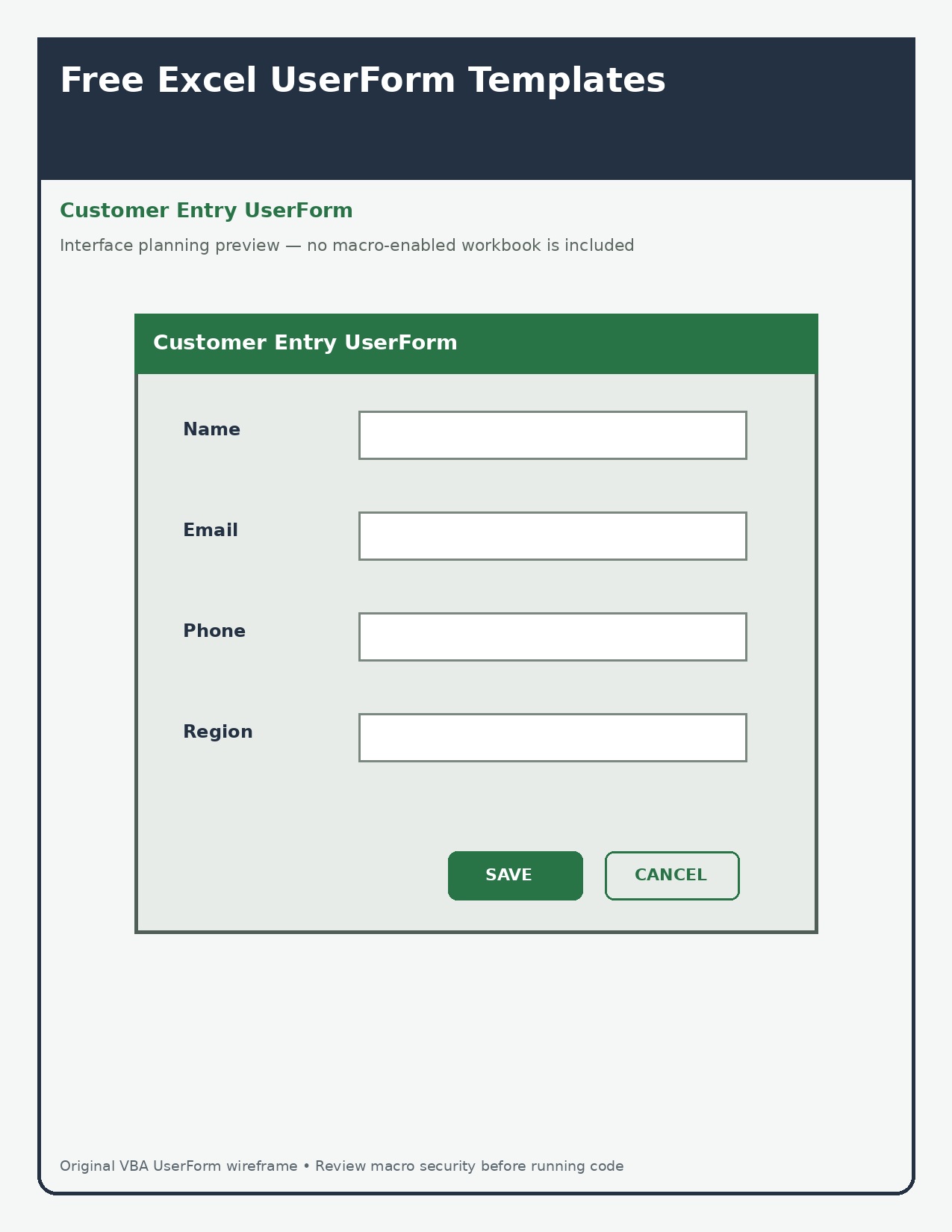
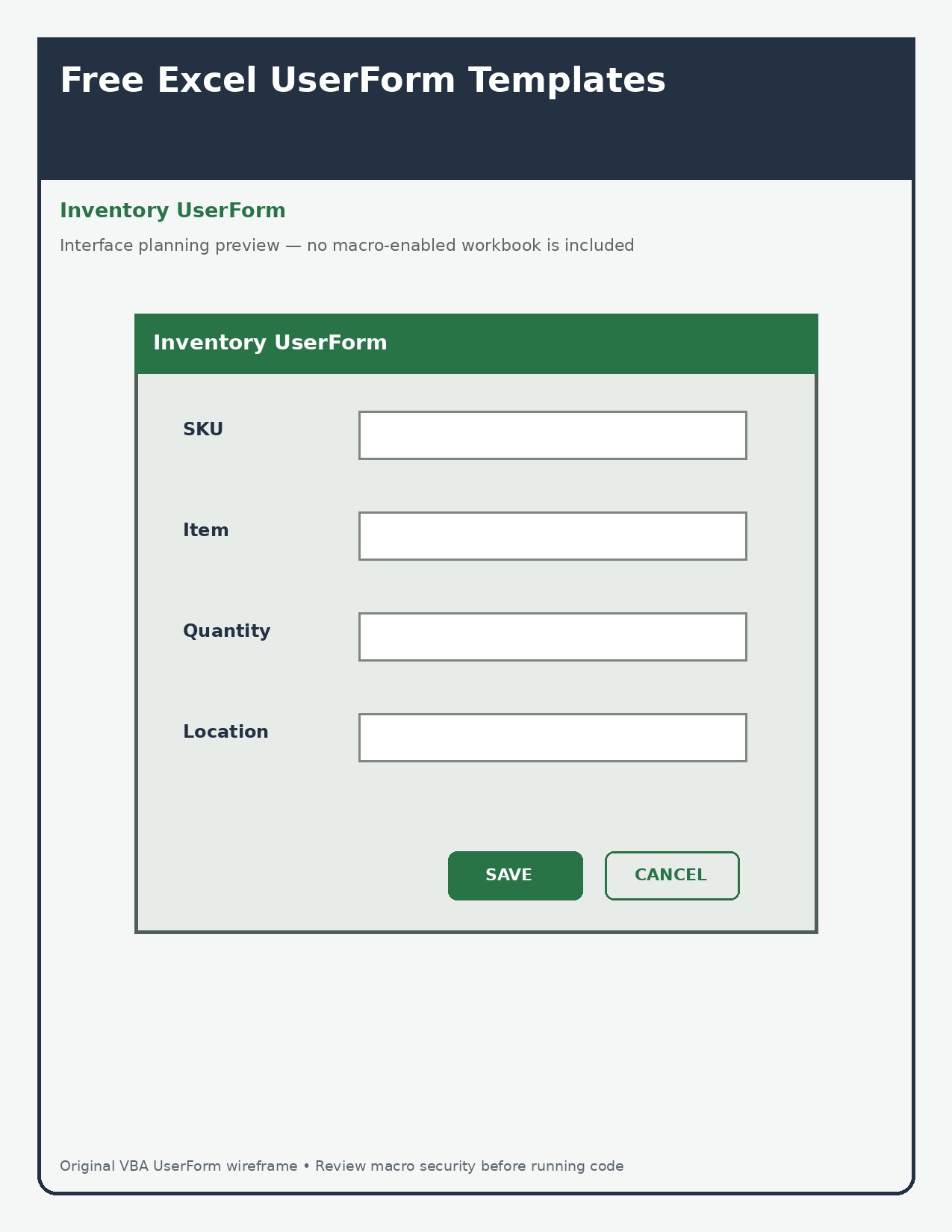
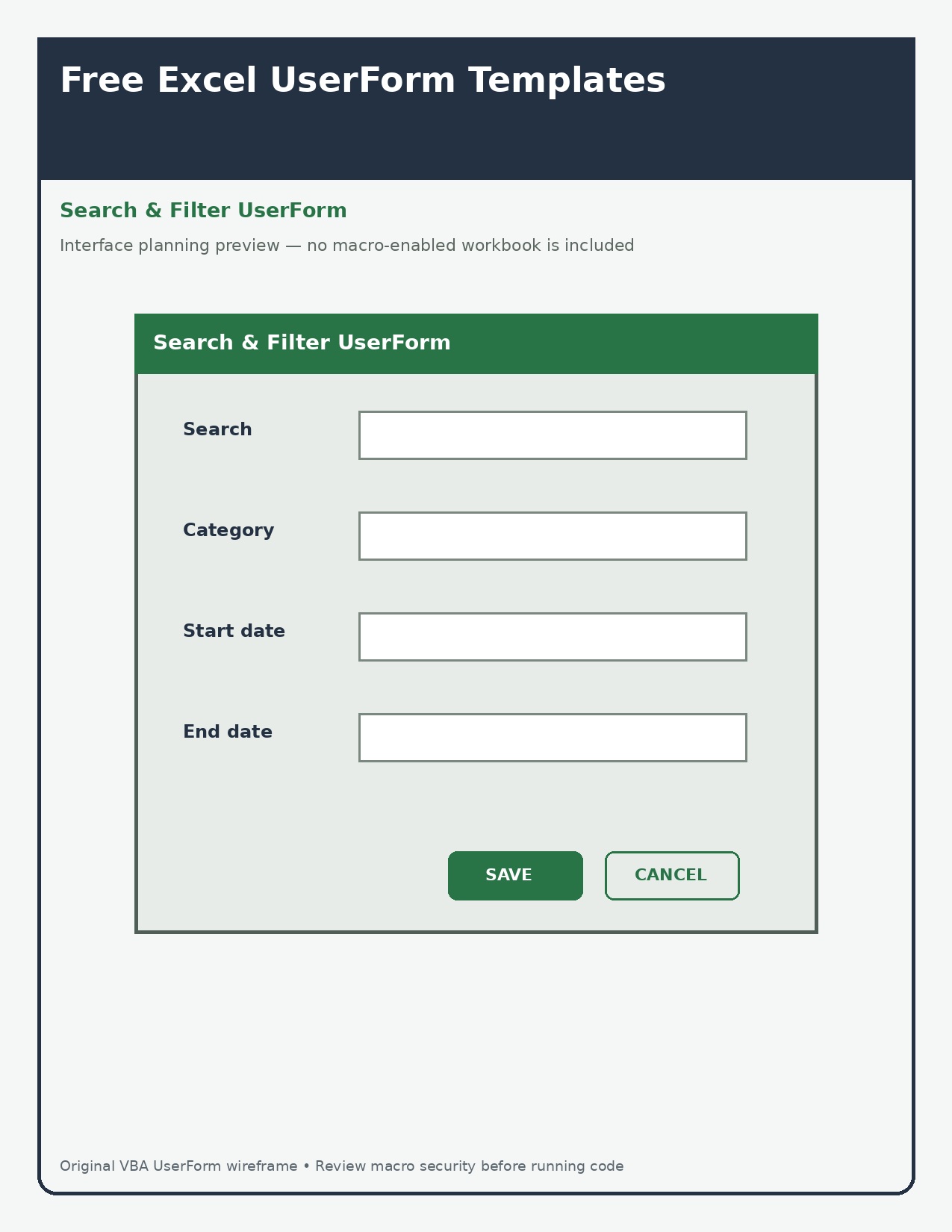
Free Excel UserForm Templates – An Excel VBA UserForm is a dialog window used as part of an application interface. The three graphics below are interface-planning examples, not macro-enabled downloads. That distinction prevents a screenshot from being misrepresented as working software.
Three purpose-built resources
Customer-entry UserForm layout
Inventory UserForm layout
Search-and-filter UserForm layout
How to use these resources
- Name every control clearly and validate required fields before writing data.
- Separate user-interface code from worksheet data logic.
- Handle cancel, close, duplicate records, and invalid input explicitly.
- Review macro security and test a copy of the workbook before deployment.
Printing and file setup
Open the full-resolution JPG rather than printing a thumbnail. Start with US Letter paper at 100% or Actual Size, then use Fit only if the printer clips the outer edge. Print one test copy before producing a class set, workshop pack, or model-building batch.
Important limitation
Macros can change data and may be blocked by organizational policy. Inspect code, use trusted files, and never lower security merely to run an unknown template.
Frequently asked questions
Are the three downloads identical?
No. Each one serves a different use case, so the layout and content change rather than only the color.
Can I edit the JPG files?
You may add personal notes or labels for your own use. Do not remove safety statements, misrepresent an independent file as official, or resell the unmodified designs.