Archicad Template Free: Planning Worksheets – An Archicad project template is a read-only .tpl project file containing preferences, tool defaults, project structure, attributes, and possibly placed elements. The downloads here are planning worksheets—not fake .tpl files—and help a team decide what belongs in a controlled office template.
Three purpose-built resources
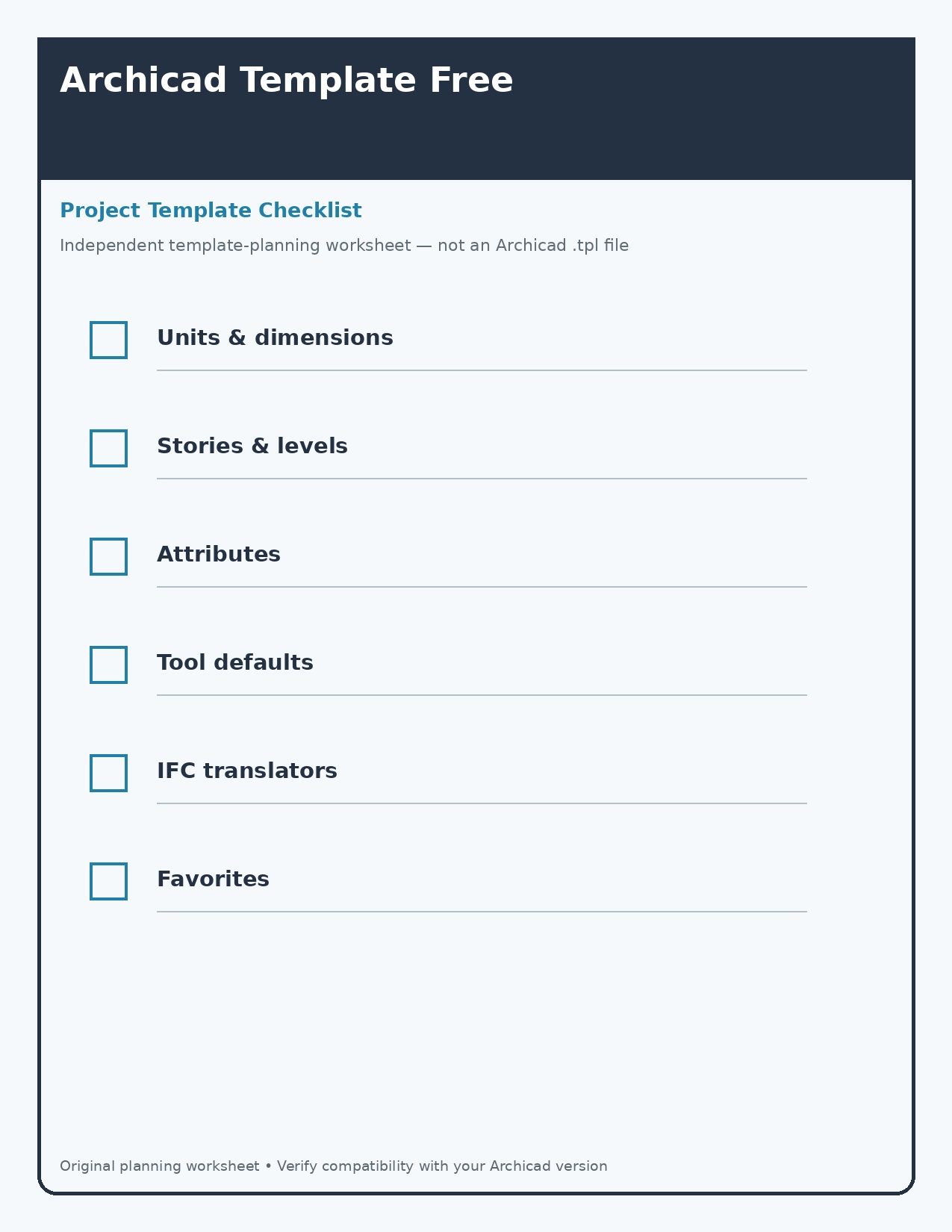
Project-template checklist
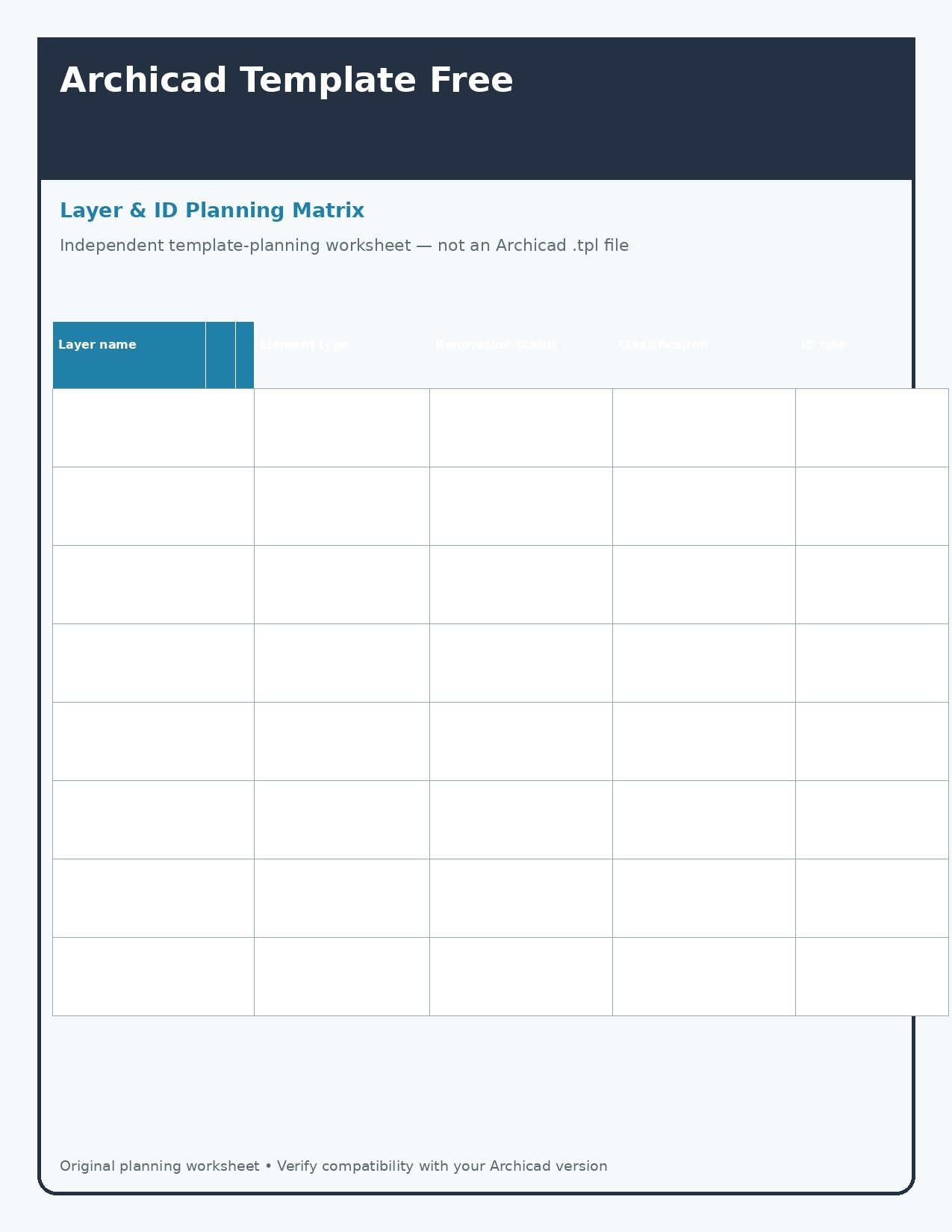
Layer and ID planning matrix
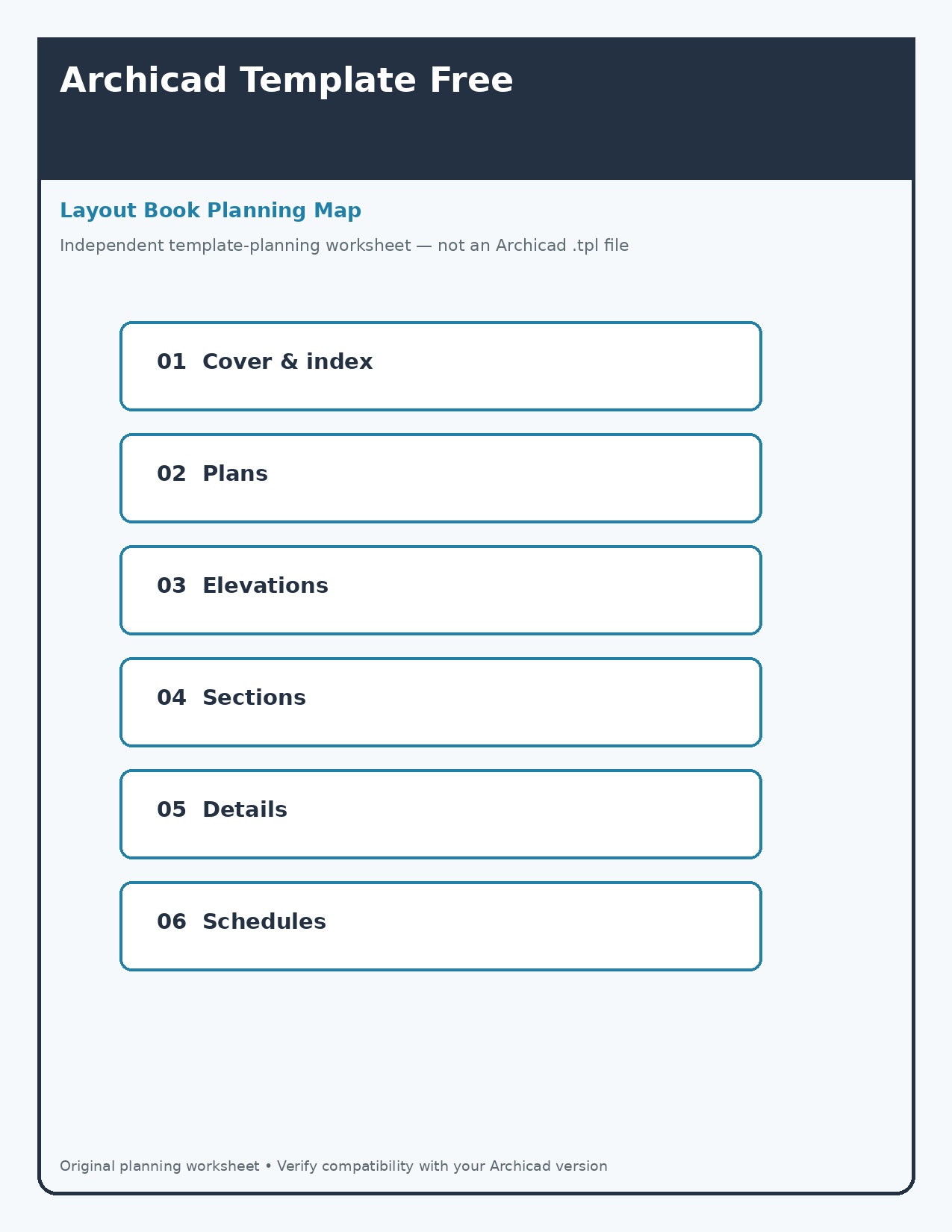
Layout-book planning map
How to use these resources
- Start from the default template supplied for the correct localized version.
- Define units, stories, attributes, classifications, translators, favorites, and layouts.
- Pilot changes on a real project before office-wide adoption.
- Document ownership, software version, library dependencies, and revision history.
Printing and file setup
Open the full-resolution JPG rather than printing a thumbnail. Start with US Letter paper at 100% or Actual Size, then use Fit only if the printer clips the outer edge. Print one test copy before producing a class set, workshop pack, or model-building batch.
Important limitation
Template compatibility varies by Archicad version and localization. Back up projects and validate migration before adopting third-party files.
Frequently asked questions
Are the three downloads identical?
No. Each one serves a different use case, so the layout and content change rather than only the color.
Can I edit the JPG files?
You may add personal notes or labels for your own use. Do not remove safety statements, misrepresent an independent file as official, or resell the unmodified designs.