The search for free rhinestone template software usually begins with a practical goal: turn text or artwork into evenly spaced circles that match a real stone size and can be cut as a stencil. The images on this page are workflow guides, not fake software-download buttons. No program is bundled with this article.
Workflow and planning graphics
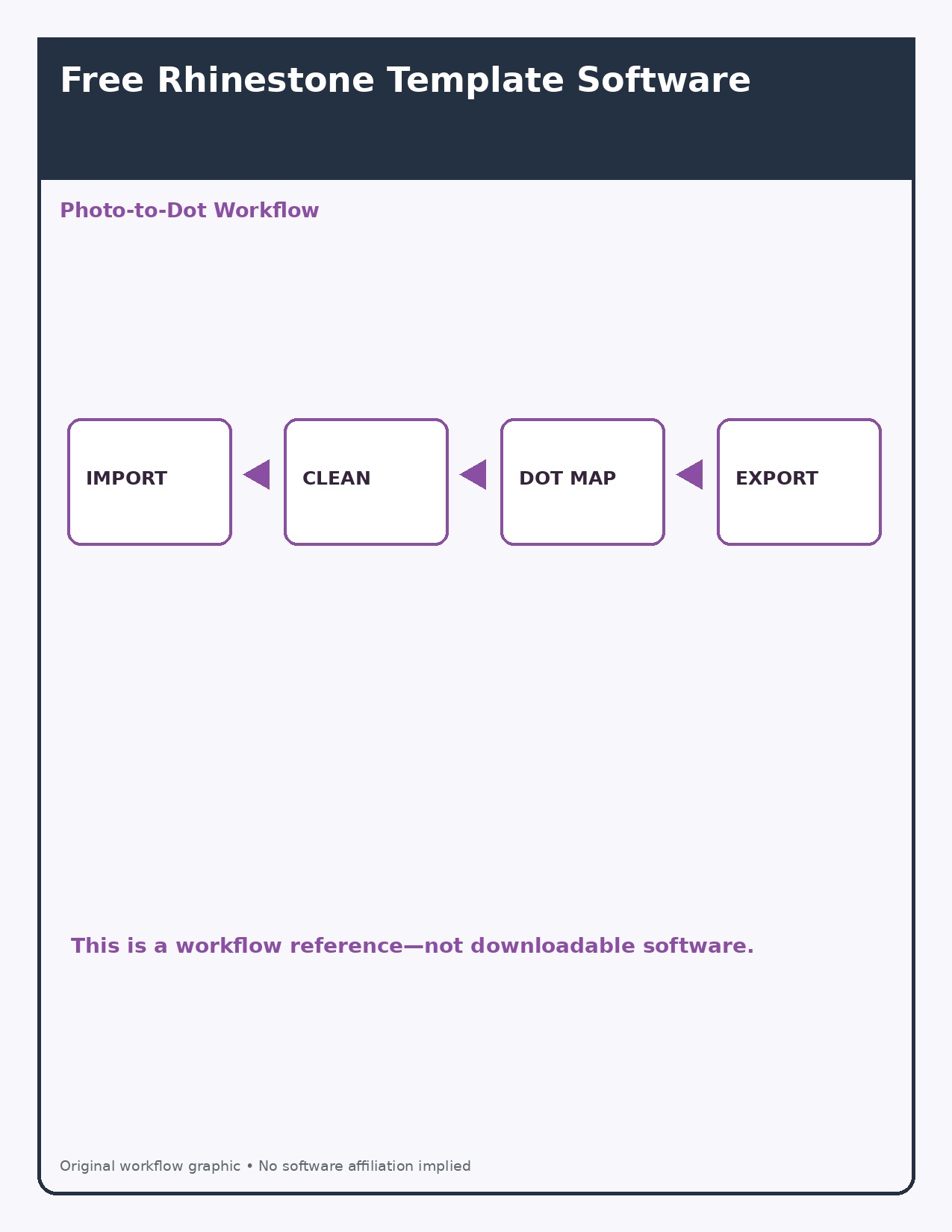
Photo-to-dot rhinestone workflow
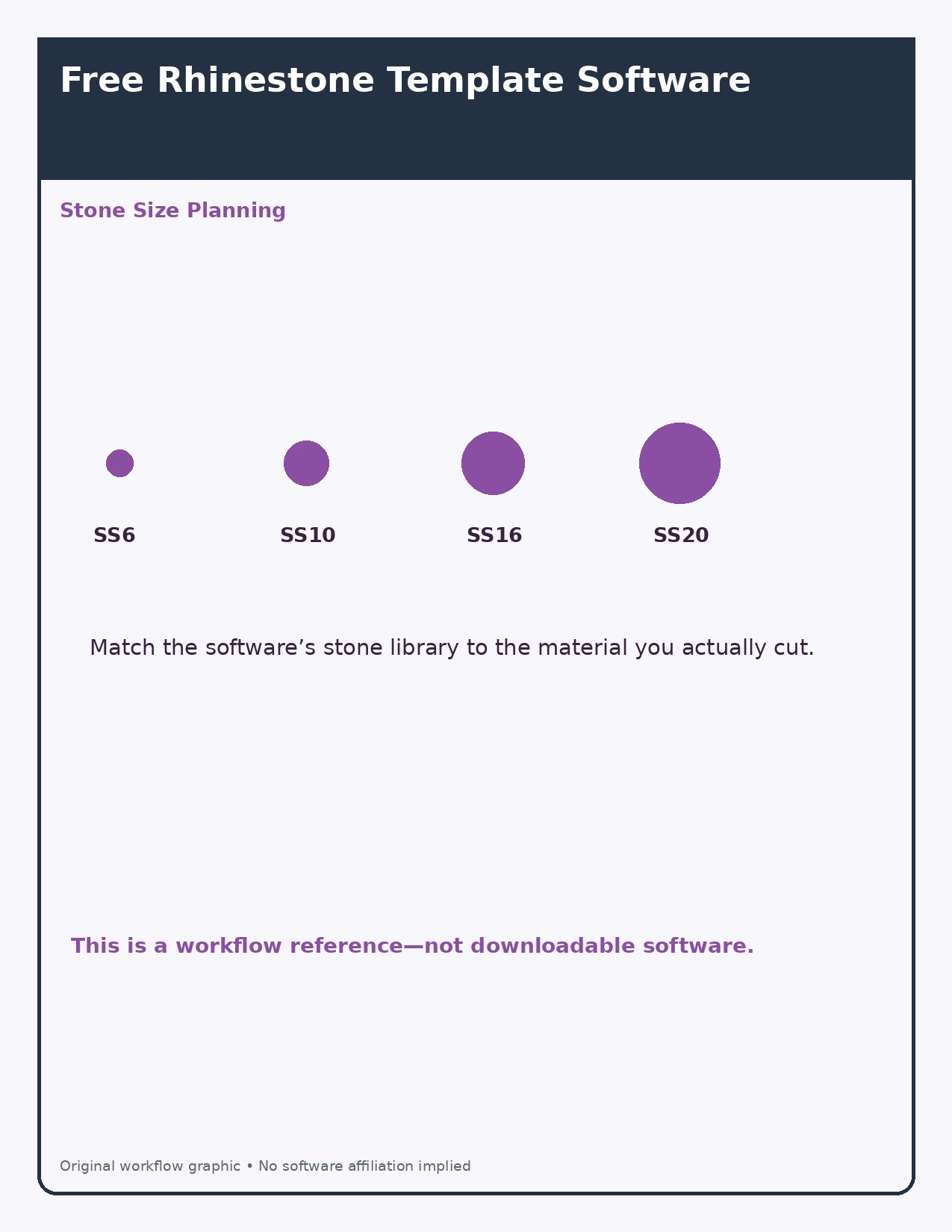
Rhinestone size planning guide
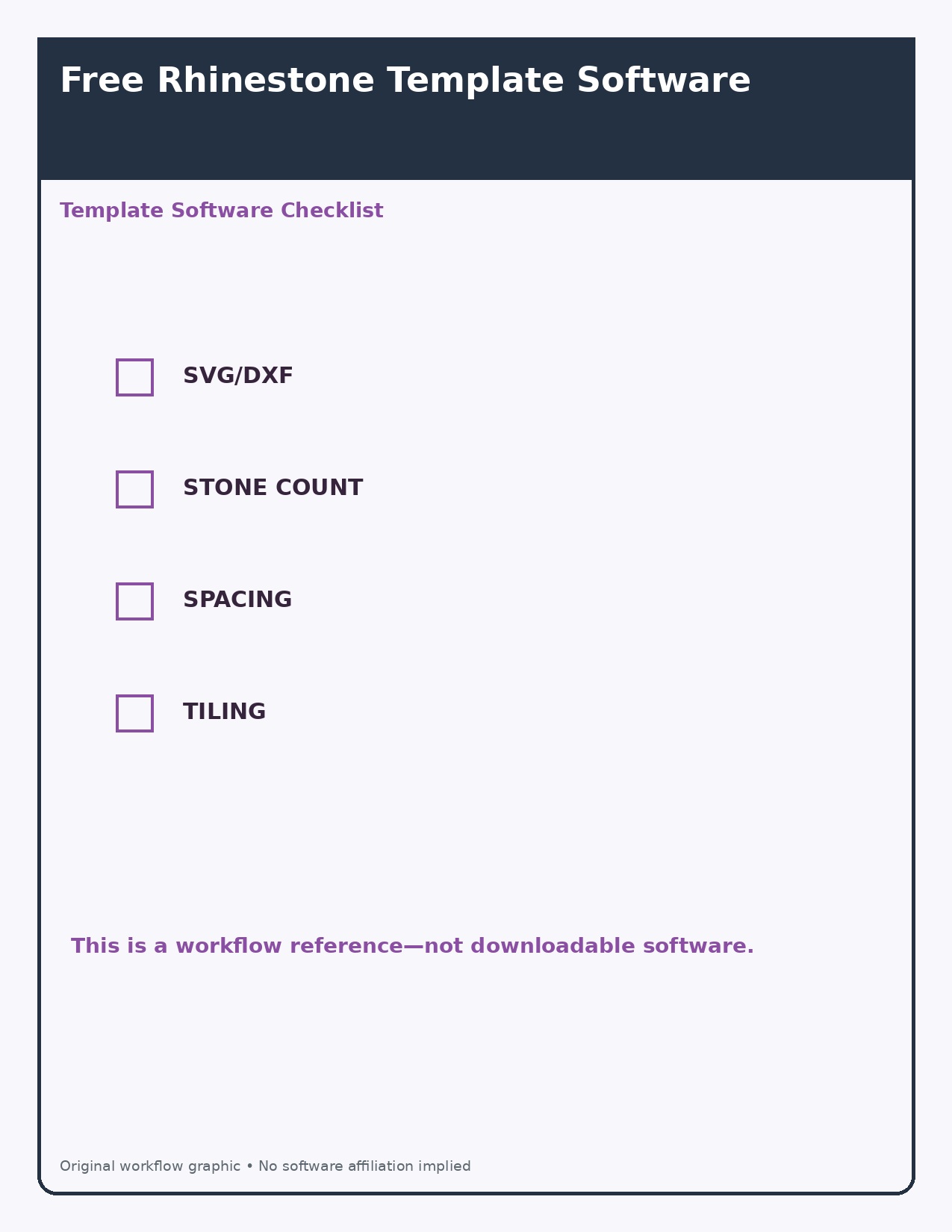
Template software feature checklist
Essential software features
- Vector import: SVG, EPS, or DXF support reduces cleanup.
- Stone libraries: the diameter must match the stones and cutting method you use.
- Spacing control: circles should not overlap or leave fragile bridges in stencil material.
- Stone count: useful for estimating supplies and cost.
- Path editing: you need to remove crowded dots and smooth sharp corners.
- Export and tiling: confirm compatibility with the cutter and mat size.
A safe test workflow
Create a simple word, convert it to paths, apply the rhinestone effect, then cut a small sample from inexpensive stencil material. Brush real stones into the sample before producing a full design. Screen measurements can differ from the physical cut because blade offset, material stretch, and stone variation all matter.
Free does not always mean unrestricted
Check the software license, supported export formats, watermark rules, and commercial-use terms. Some tools are free only for viewing or personal projects; others require a paid extension for rhinestone features.
FAQ
Can ordinary vector software make rhinestone templates?
Often yes, using pattern-along-path, scatter, clone, or extension tools, but you must verify circle diameter and spacing.
Why does the cut template not fit the stones?
The common causes are incorrect unit conversion, cutter calibration, blade offset, or holes sized exactly to the nominal stone rather than the tested material.